Why
In my book Popular Music, Power and Play: Reframing Creative Practice (Bloomsbury, 2022), I discuss the creative benefits of adopting a playful approach to music making. It is for that reason that in my own creative practice I prefer to avoid using a Digital Audio Workstation (DAW) until I have already collected a variety of creative artefacts worthy of further development that were generated during fun ‘jam’ sessions.
These ‘artefacts of play’ are by-products of time spent playing within a strictly limited field of musical components so only what is essential is present. Eliminating the noise of non-task-essential factors helps facilitate concentration and is a key precondition for Csikzentmihalyi’s ‘flow’ (optimal experience). In my book, creative-practice examples are presented ranging from artists as diverse as the B52’s to Daniel Lanois and DJ Shadow. These case studies illustrate how spontaneous musical utterances made in such simple circumstances (without any purpose other than to enjoy the thrill of playing for its own sake) can be captured, stored and – in some cases – later recontextualised within larger compositional frameworks to great effect. Since most DAWs are timeline-centric, they’re really useful at these latter ‘purposeful’ stages of development, while simpler non-linear VST hosts such as Apple’s ‘Mainstage’ and Deskew’s Gig Performer are more conducive to the earlier, less self-conscious, ‘generative’ stages of creation.
What
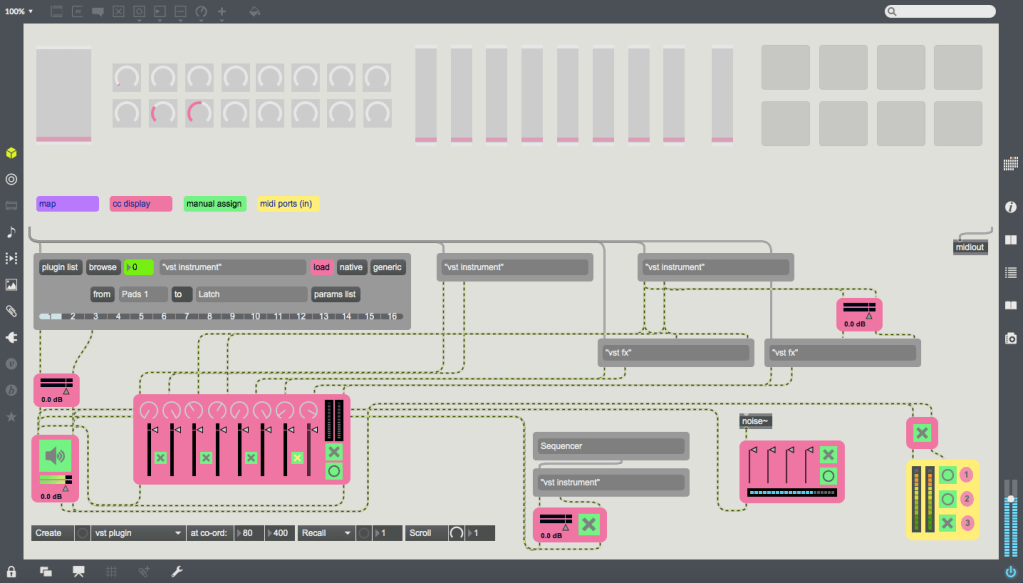
While Mainstage and GigPerformer are fine, I recently decided to build my own VST host in Max 7. It consists of an almost blank main patcher onto which a number of modules (stored as bpatchers) can be instantly generated using a menu bar at the bottom left-hand corner. These custom modules range from a CC interface made up of virtual dials, sliders and pads that can be mapped to hardware controllers; discreet mixer components, streamlined expandable VST modules capable of remapping the interface’s controls to specific plug-in parameters, and sequencers/audio recorders that can be synced to Max’s global transport (or not). It is important to note that this project has been made using Max 7, and while that version doesn’t feature Max 8’s easy mapping feature, I’ve created my own mapping system that works in Max 7 and functions in a similar easy-to-use fashion.
How
Although this app looks simple, and has been designed to be simple to use, it is made up of a library of some 20 or so separate Max bpatchers and abstractions of varying complexity. It therefore provides a wealth of opportunities for tutorials centered around key functions within each patch. Instead of providing a link to the finished project, I will instead upload a tutorial each couple of weeks so that you can learn about Max’s many capabilities and put it all together in a version that suits your own particular needs. Please note that this project was made using Max 7, so some areas may be obsolete in Max 8 (such as the mapping patches) or might need to be altered slightly to suit version 8’s updated features.

Some of the mixer components. 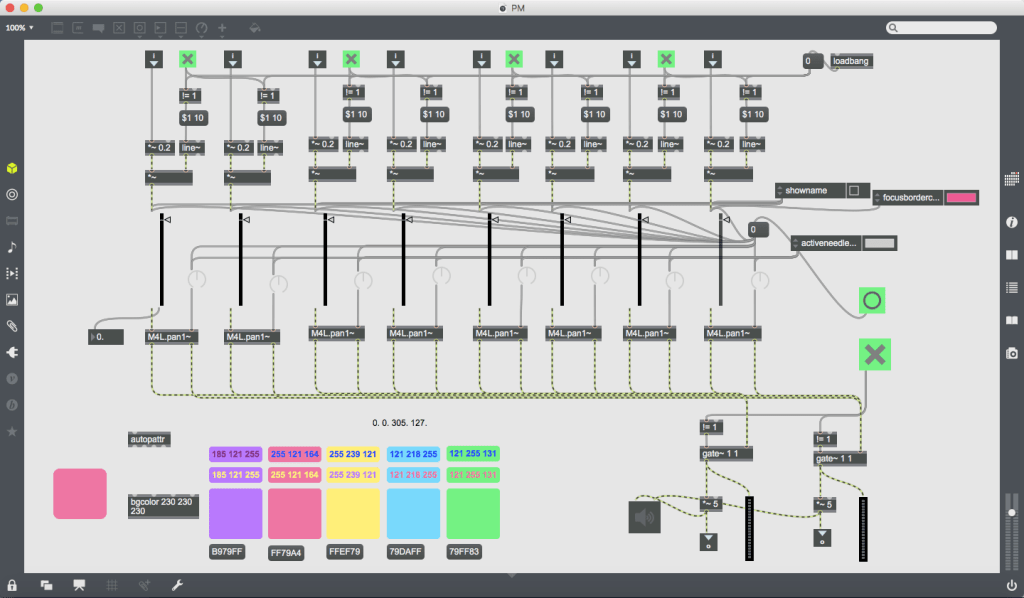
Inside the stereo panner mixer. 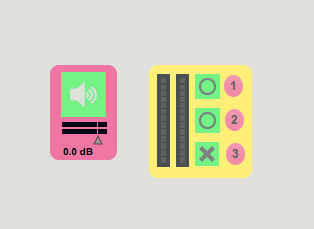
The audio output and recorder modules. 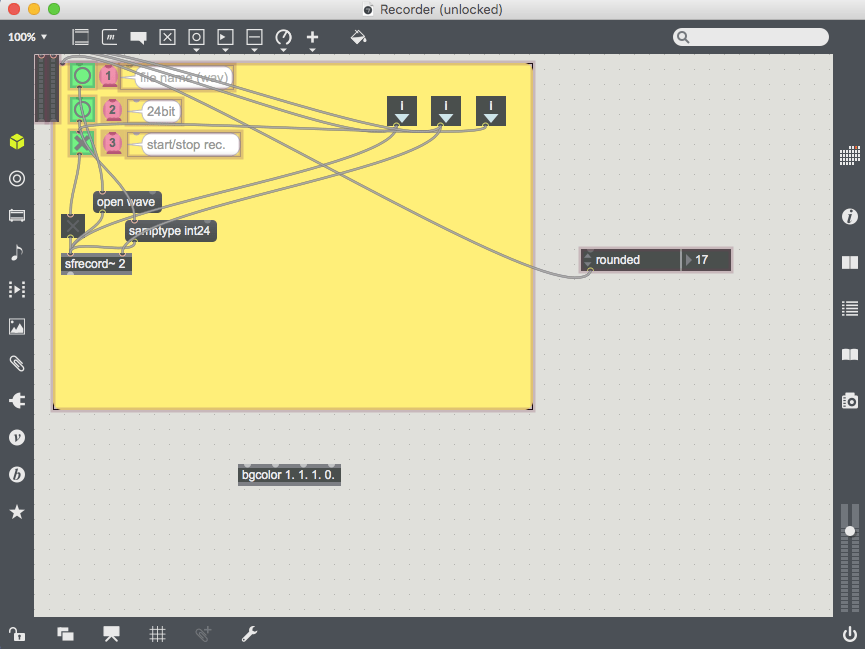
Inside the recorder module. 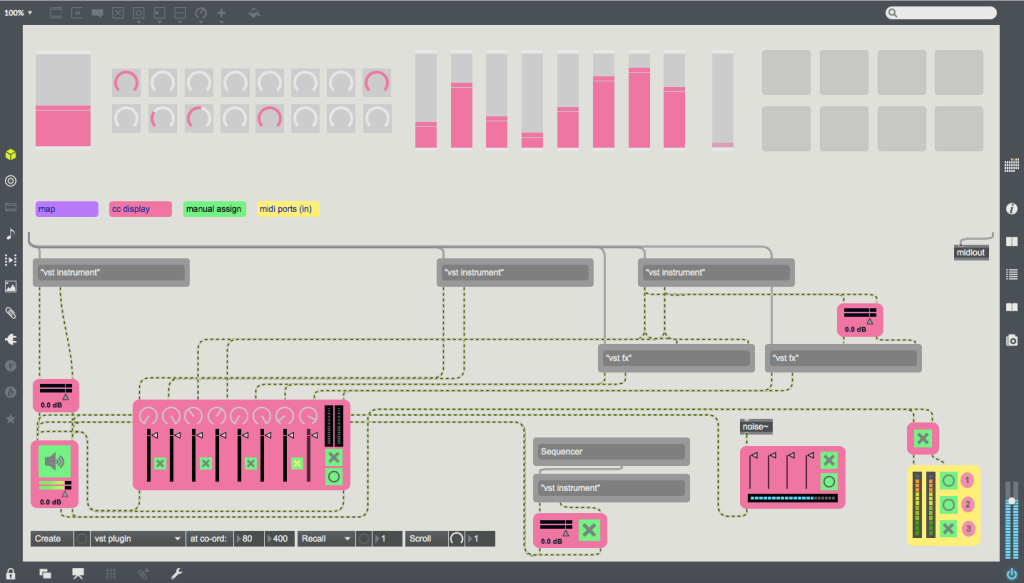
A more complex patch. 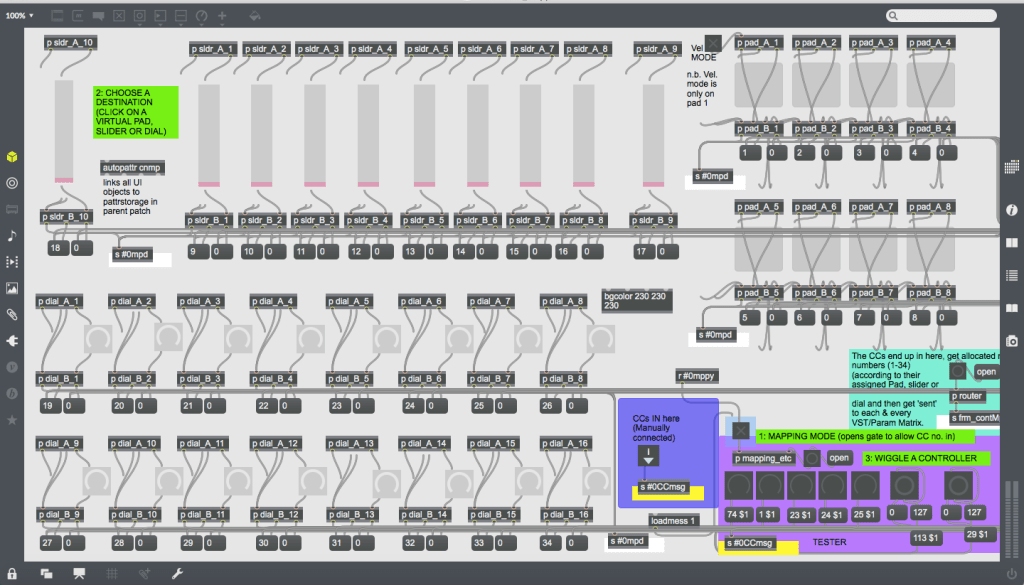
Inside the CC interface module. 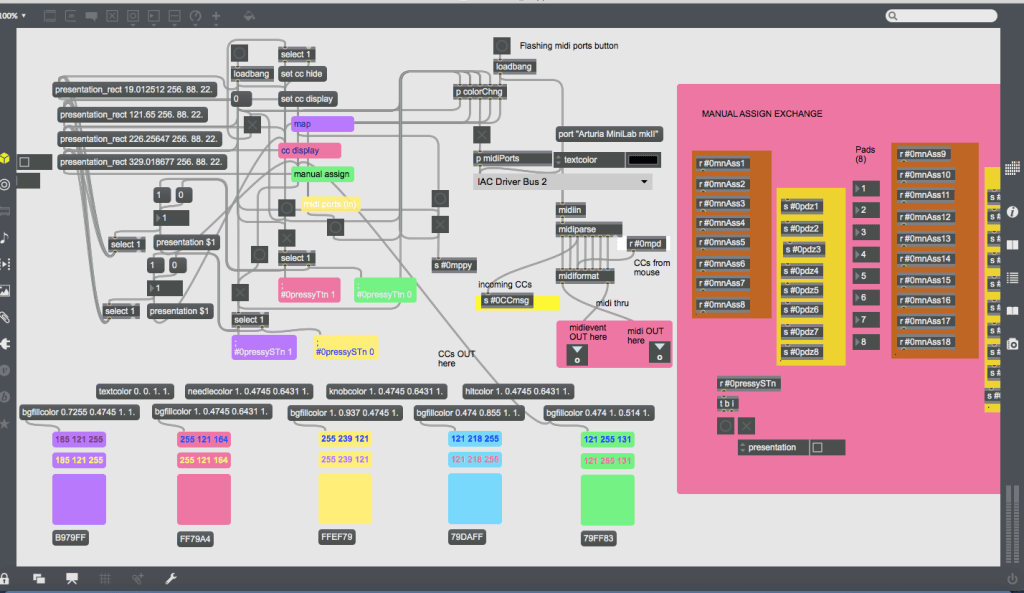
More of the CC interface’s inner workings. 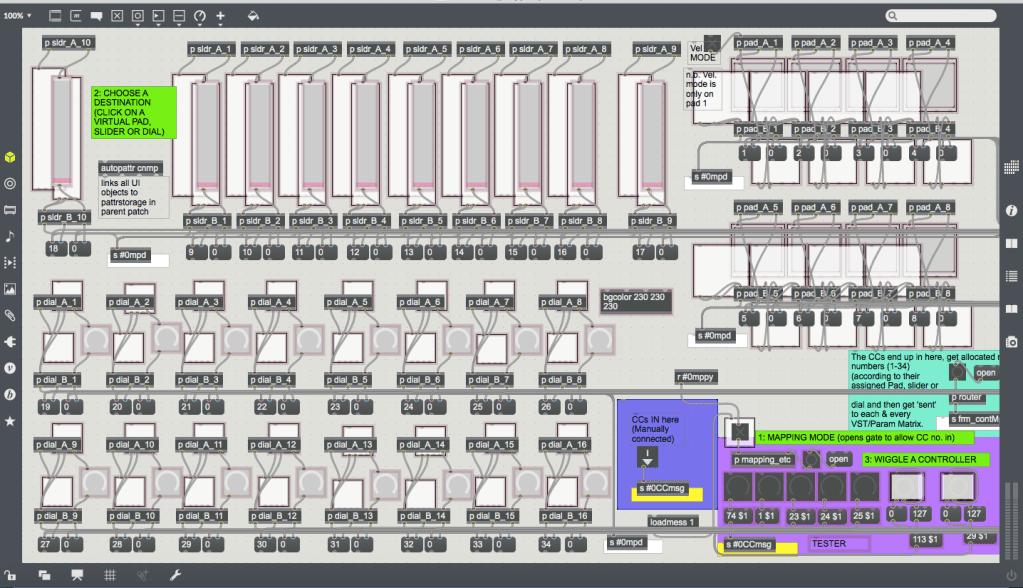
The CC mapping mechanism. 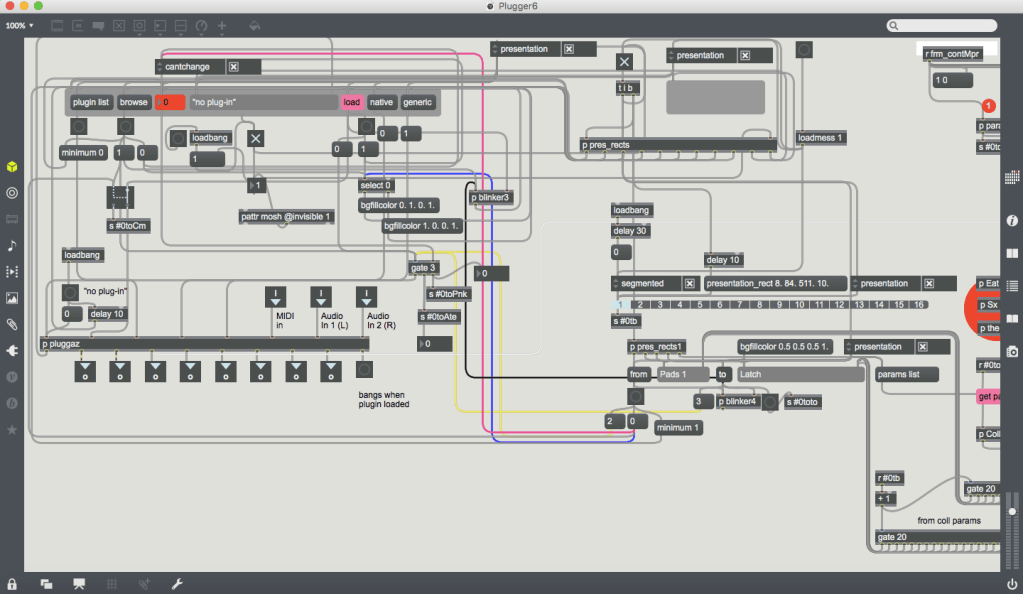
Inside the VST module. 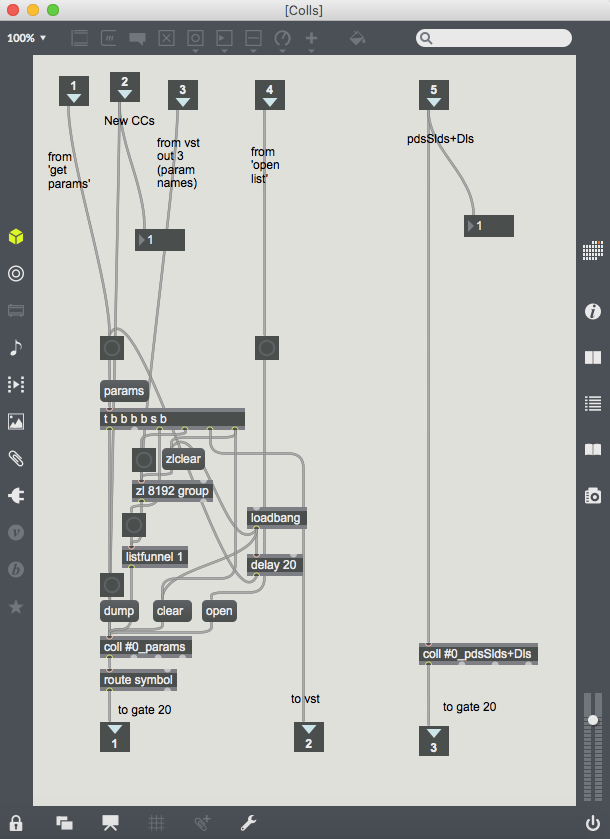
A subpatcher within the VST module. 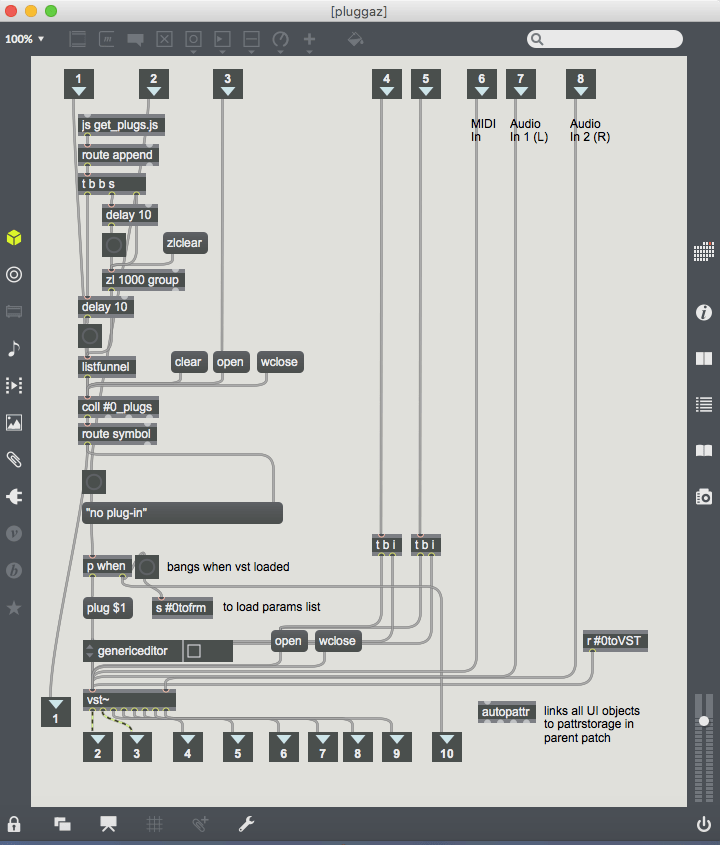
Another subpatcher within the VST module. 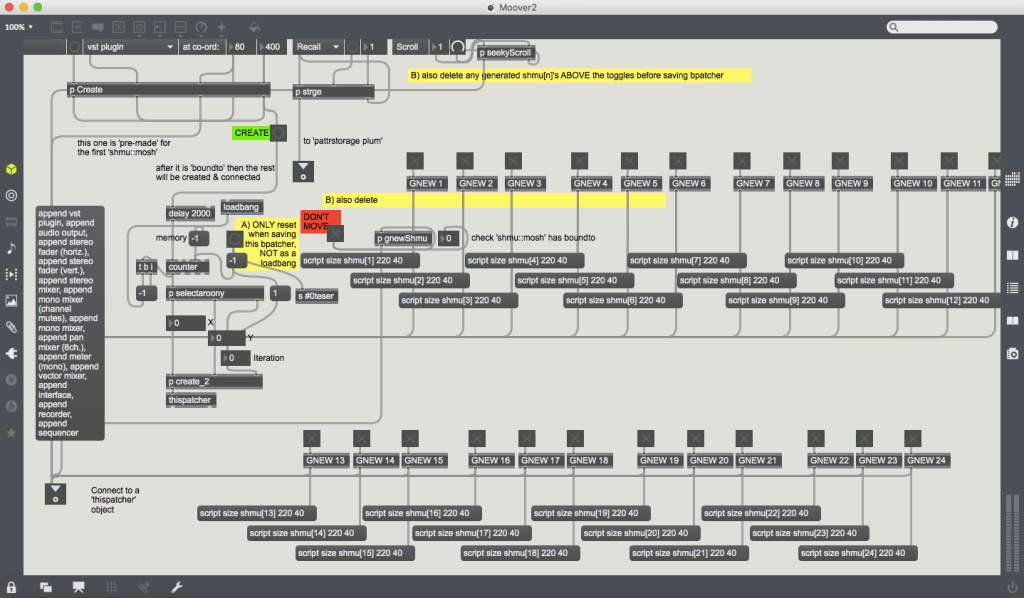
Inside the menu bar module. 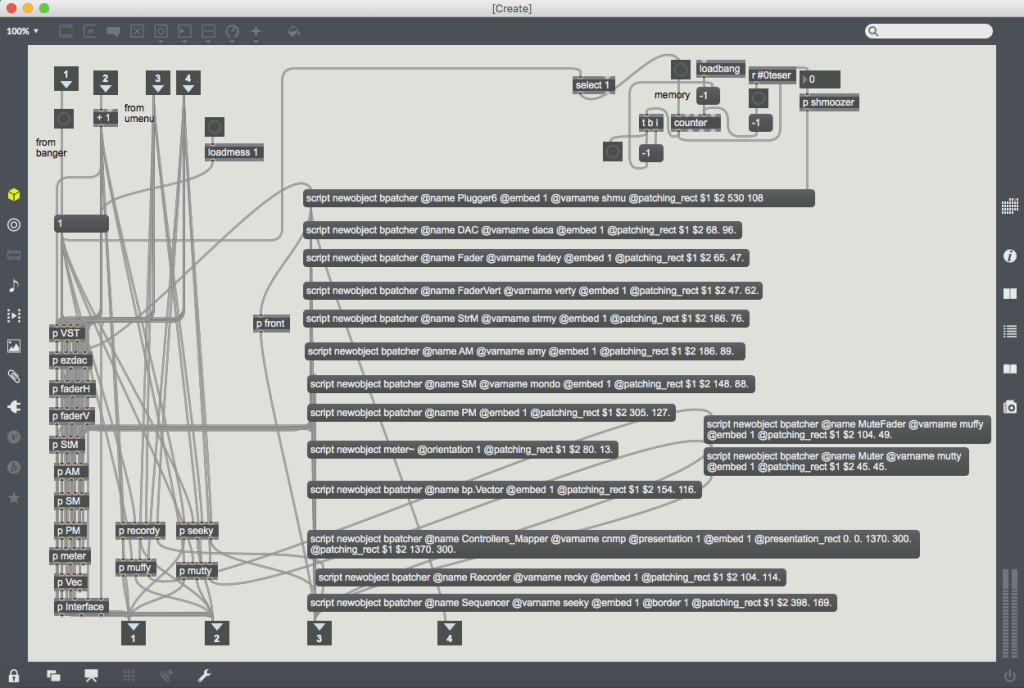
A scripting subpatcher inside the menu bar module.
When
See you soon (in about 2 weeks) for the first tutorial: Making your own controller mapping system for Max 7.
 Dr Marshall Heiser